

How to Keep Your Digital Life Secure While Traveling
Note: Verizon Media is now known as Yahoo.
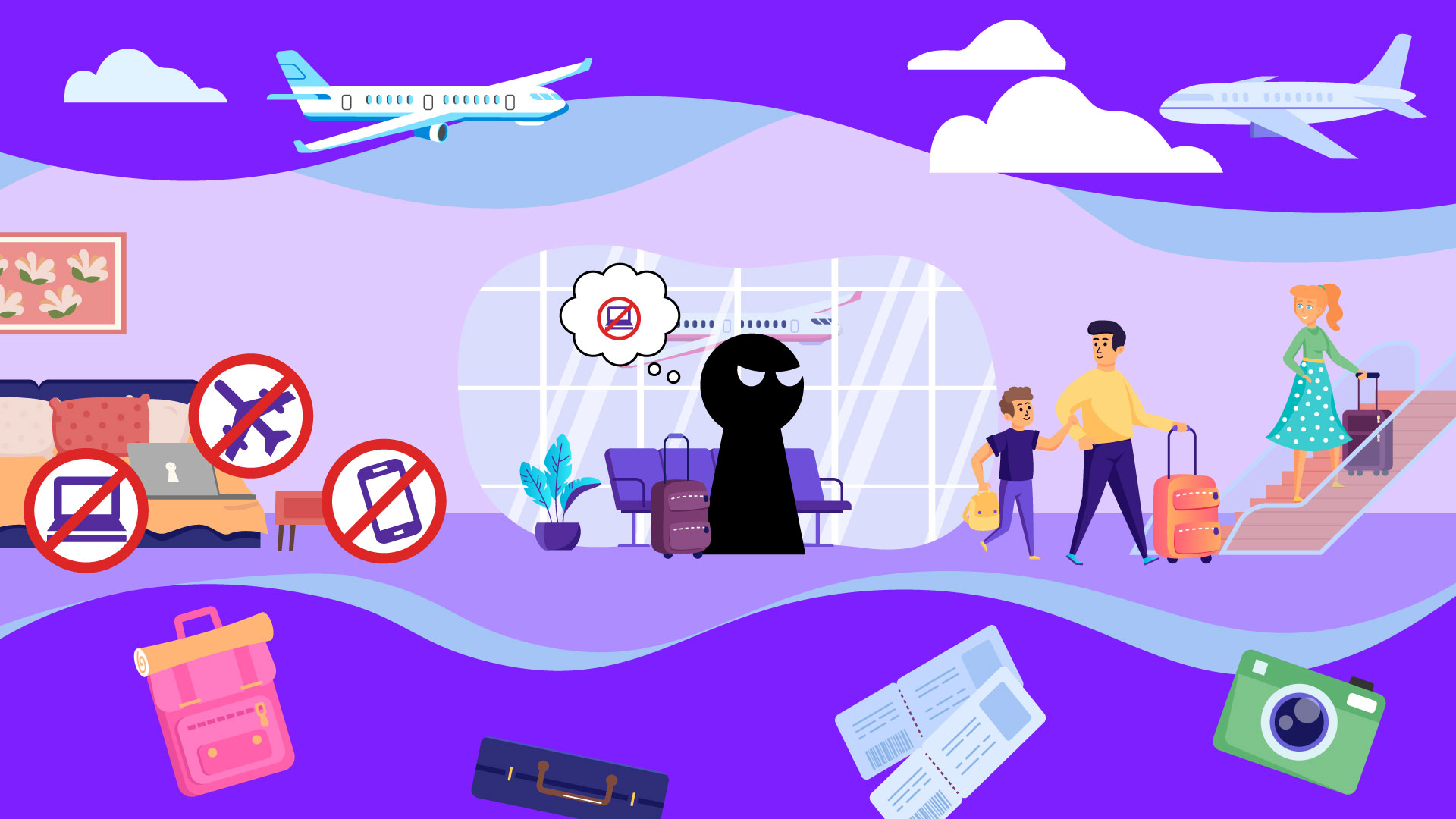


The long weekend in Charleston. A work trip to Tokyo that you've extended into a proper vacation. That Airbnb in Provence you've been dreaming about since winter. The yoga retreat in Bali. A culinary tour through Mexico City. The music festival in Austin, where you'll finally see that band you've been following for years.
Whatever's drawing you away from home, you've earned this escape. But a compromised device or hacked account can quickly transform a carefully planned getaway into an exhausting exercise in damage control.
Protecting yourself doesn't require sacrificing spontaneity or spending your departure day in a cybersecurity rabbit hole. A few thoughtful precautions, most of which take less time than choosing which shoes to pack, can safeguard your digital life while you're out living your actual one.
Before You Go: A Pre-Flight Checklist Worth Your Time
- Update Everything (Yes, Everything)
Your devices navigate unfamiliar streets, translate menus, document experiences, and maintain your connection to home. They're also potential entry points for cybersecurity threats.
Take 15 minutes before you start packing to install those software updates you've been dismissing. Security patches address vulnerabilities that hackers actively exploit. Enable automatic updates if your phone allows it because you'll be too busy discovering that perfect neighborhood cafe to remember.
- Back Up What Matters
Photos from your last trip, important documents, work files you might need to reference, and your carefully curated playlists. Back everything up to cloud storage or an external drive that stays at home.
Devices get lost, stolen, and dropped into the Seine. Your memories and essential information shouldn't disappear with them.
- Rethink Your Password Situation
If you're still using "password1234" or recycling the same password across multiple accounts, now is the moment to change that. (Yes, we know you know this. But when did you actually do it?) A password manager generates complex, unique passwords for every account and remembers them so you don't have to. It's one of those tools that seems like overkill until you use it, at which point you wonder how you ever managed without it.
Then, enable two-factor authentication for your email and banking accounts. Even if someone somehow obtains your password, they still can't access your account without that second verification step. For detailed instructions, check out our guide on How to Secure Your Account
- Enable Find My Device & Get a Privacy Screen
Activate location tracking on your phone, tablet, and laptop. If something goes missing, you can track it remotely or wipe your data if recovery seems unlikely.
Consider a privacy screen protector for your laptop or tablet, particularly if you'll be working from cafes or co-working spaces. They limit viewing angles, making your screen nearly invisible to anyone not sitting directly in front of it. A small investment that pays dividends when you're reviewing sensitive documents at 35,000 feet with strangers on either side.
- Designate Your Emergency Contact
Choose someone who is not traveling with you and share your itinerary, accommodation details, and your expected check-in schedule. If something goes wrong – a lost passport, medical emergency, or that "quick weekend trip" that turns complicated – you'll want someone back home who knows where you are and can help coordinate assistance.
While You're There: Staying Secure Without Overthinking It
- Rethink Public Wi-Fi
That free airport Wi-Fi is tempting. So is the network at your hotel, the cafe where you're having breakfast, or the co-working space where you're trying to squeeze in a few hours of work. However, some public networks are set up by bad actors with legitimate-sounding names specifically to intercept data from unsuspecting travelers. So, "Hotel_Guest_WiFi" might not actually be your hotel's network.
Your best bet is to use your phone's mobile data or set up a password-protected personal hotspot. If you need public Wi-Fi to avoid roaming charges, use a VPN (Virtual Private Network) to encrypt your connection. And resist the urge to check sensitive data, like your bank balance, on public networks, even with a VPN.
- Guard Your Devices Like You'd Guard Your Passport
The simplest security breaches don't involve sophisticated hacking. They happen when someone walks off with an unattended device or quickly installs something malicious while you're not looking. So, keep your phone, tablet, and laptop with you or locked in your hotel safe. Never leave them unattended in cafes, restaurants, or airport lounges, even for a quick bathroom break. It only takes a few seconds for someone to grab your device or compromise it.
If you're at the beach, take turns watching bags with your travel companion, or invest in a waterproof pouch and bring your phone.
- Be Cautious with Shared Computers
That computer in your hotel's business center might seem convenient for printing boarding passes or checking email, but proceed carefully and avoid accessing anything sensitive on shared computers. If you must use one, log out completely from every account afterward. Don't just close the browser window; actually sign out. The next person who sits down could otherwise access your logged-in sessions and everything in those accounts.
Use your own devices when possible, even if it means working from a smaller screen.
When You Return: Tying Up Loose Ends
You're home, jet-lagged and surrounded by laundry. Before you fully collapse back into regular life, spend 20 minutes on these final security measures.
- Review Your Transactions
Go through your credit and debit card charges from the trip. Look for anything unexpected, like charges from places you didn't visit, duplicate transactions, and amounts that don't match your recollection.
If you spot something suspicious, report it to your bank or credit card company immediately. Most financial institutions handle fraud efficiently when it's caught quickly.
- Delete Temporary Apps
That translation app you downloaded just for this trip? The local ride-sharing service or restaurant reservation app? Remove them all.
Be sure to uninstall the applications and delete associated data; don’t just remove the icons from your home screen. These apps often retain access to your location, contacts, and other personal information even when you remove them from your phone.
- Audit Your Active Sessions
This is the step most people skip, but it matters. Go through your Instagram, Facebook, Yahoo, and other significant accounts and remove logged-in sessions you no longer need. Maybe you logged into email on a friend's laptop to print something. Perhaps you used a tablet at your rental to look up directions. These forgotten sessions can leave your accounts vulnerable to unauthorized access.
For guidance on reviewing and removing unusual activity on Yahoo accounts, consult this help article.
Finding the Balance
Travel expands our perspective, creates lasting memories, and reminds us that the world is larger and more interesting than our daily routines suggest.
These security measures take minimal time, most requiring just a few minutes, but they provide substantial protection. They free you to focus on discovering that hidden bookshop, trying that dish you can't pronounce, or having the conversation with the stranger at the next table that somehow becomes the highlight of your trip.
Following these tips will give you peace of mind so that you can be present for all your new experiences.
Safe travels!
.jpg)

